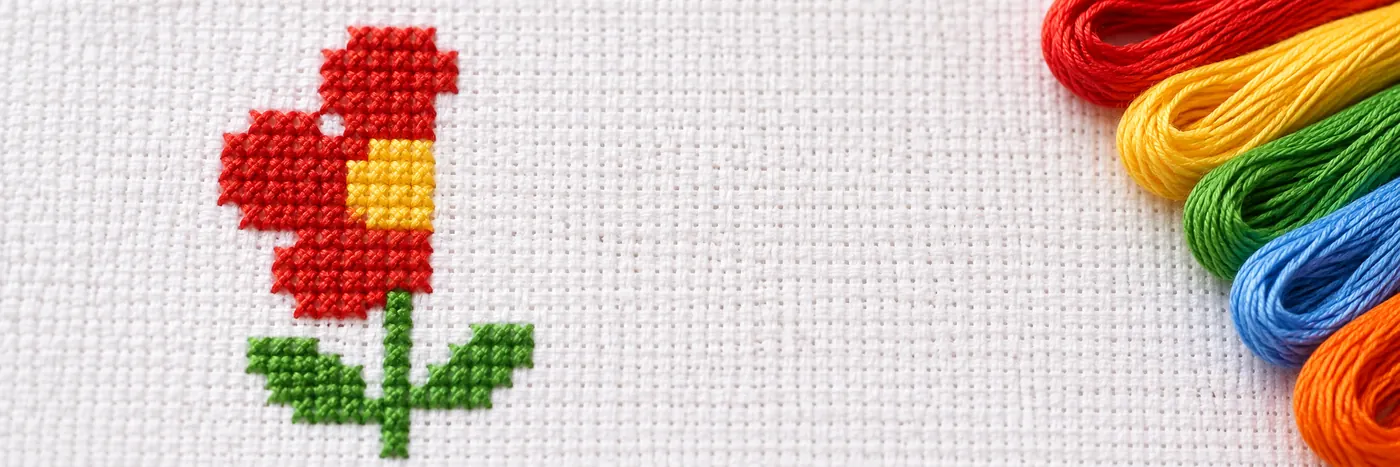
Cross Stitch Patterns from Photos
A good cross stitch pattern from a photo starts with a clear, tightly cropped subject and a simple background. Choose a suitable stitch width and limit the colours so the chart keeps the main shapes easy to read and stitch.
Choose a clear photo
Crop tight to the subject before you make a chart. This gives the pattern maker more room to represent the details that matter and less space to spend on scenery. A plain background can be left unstitched, which keeps the work simpler and lets the subject stand out. Photos with clear outlines and distinct areas of colour are easier to chart than busy scenes with many small details. If the photo includes a distracting background, crop it away or use a plain one when possible.
Set a manageable stitch width
A width of 40 to 80 stitches suits a first photo chart. This gives you a practical starting point for balancing detail with a chart that is easy to follow. A smaller chart has fewer squares to stitch, while a larger one can preserve more features from the photo. Check the preview before settling on a size. Focus on whether the subject still looks clear at chart scale, especially around its outline and any features you want to keep.
Keep the colours under control
Fewer colours give cleaner shapes. A photo may contain many close shades, but a chart with too many thread changes can make the image harder to read and stitch. Reduce the palette until the main areas remain distinct. Some fine shading may disappear, so keep colours that help define the subject and remove small variations that do not change its shape. Lone single stitches are cleaned up automatically, which can help avoid isolated marks that interrupt a larger area.
Review the chart before stitching
Look over the chart at its actual size, not only as a large preview. Check that the subject is recognizable, its outline is clear, and the colour changes make sense. Drawings and logos convert best with the clean shapes option, since their flat areas and defined edges suit that setting. If the result looks noisy, try a tighter crop or fewer colours, then compare the new chart. When it is ready, use the pattern maker to create your photo pattern and download the free PDF, with no sign-up and no watermark.