Cross stitch pattern maker
Turn a photo into a chart with DMC threads. Free, no sign-up, your photo never leaves this device.
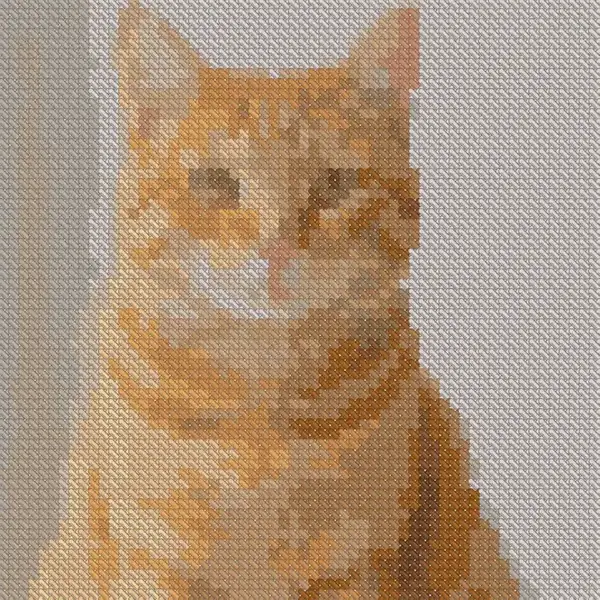
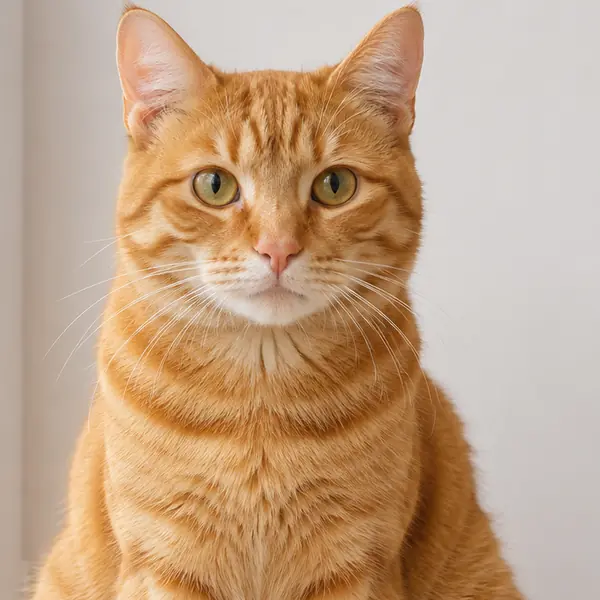
Example photo, made for this demo.
Your photo, in stitches: 60 × 60, 18 DMC colours
Robin on holly 48 × 48 · 10
The link reopens this chart with your settings.
Skeins are for two strands over whole crosses, with 50% spare thread.
Thread key tap a row to find it
How the pattern maker works
The pattern maker turns a photo into a cross stitch chart with DMC threads, so you can make a pattern from an image you already have. The photo stays on your device.
- Choose a photo from your device. It stays there while the pattern maker creates your chart.
- Set the width in stitches, fabric count and number of colours to shape the chart.
- Read the chart and thread key to see the symbols and DMC colours for your pattern.
- Download the PDF. It is free, with no sign-up and no watermark.
Start from a free pattern
No photo at hand? Open one of these charts in the maker, change the fabric count or swap in the threads you own, and print it.
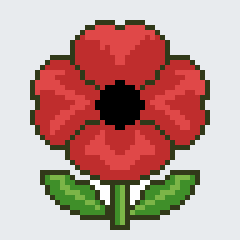
Red poppy
48 × 48 · 7 colours · Easy
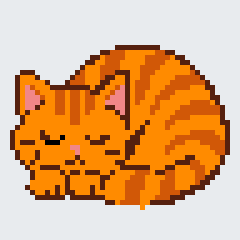
Ginger cat
48 × 48 · 5 colours · Easy
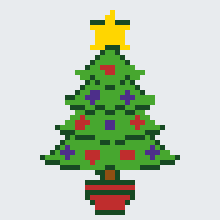
Christmas tree
44 × 44 · 6 colours · Easy
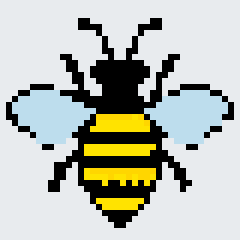
Honey bee
40 × 40 · 4 colours · Beginner
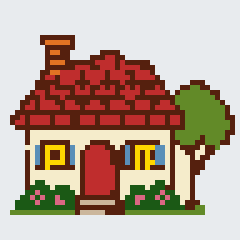
Little cottage
48 × 48 · 10 colours · Intermediate
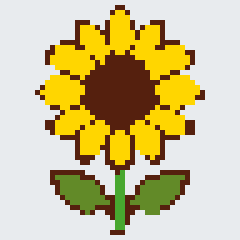
Sunflower
48 × 48 · 4 colours · Easy
Questions
Which DMC colours can I use?
The pattern maker uses 489 DMC stranded cotton colours. You can also choose only the DMC colours you own, which helps keep the thread key within your current stash.
Can I leave the background empty?
Yes. Choose the empty background option if you want the fabric to show through around the stitched design.
Can I use a drawing or logo?
Yes. Choose clean shapes for drawings and logos. This option is intended for images with defined shapes rather than photo detail.
Does my photo get uploaded?
No. Your photo stays on your device while the pattern maker creates the chart.
How much does the PDF cost?
The PDF is free. You do not need to sign up, and the download has no watermark.